
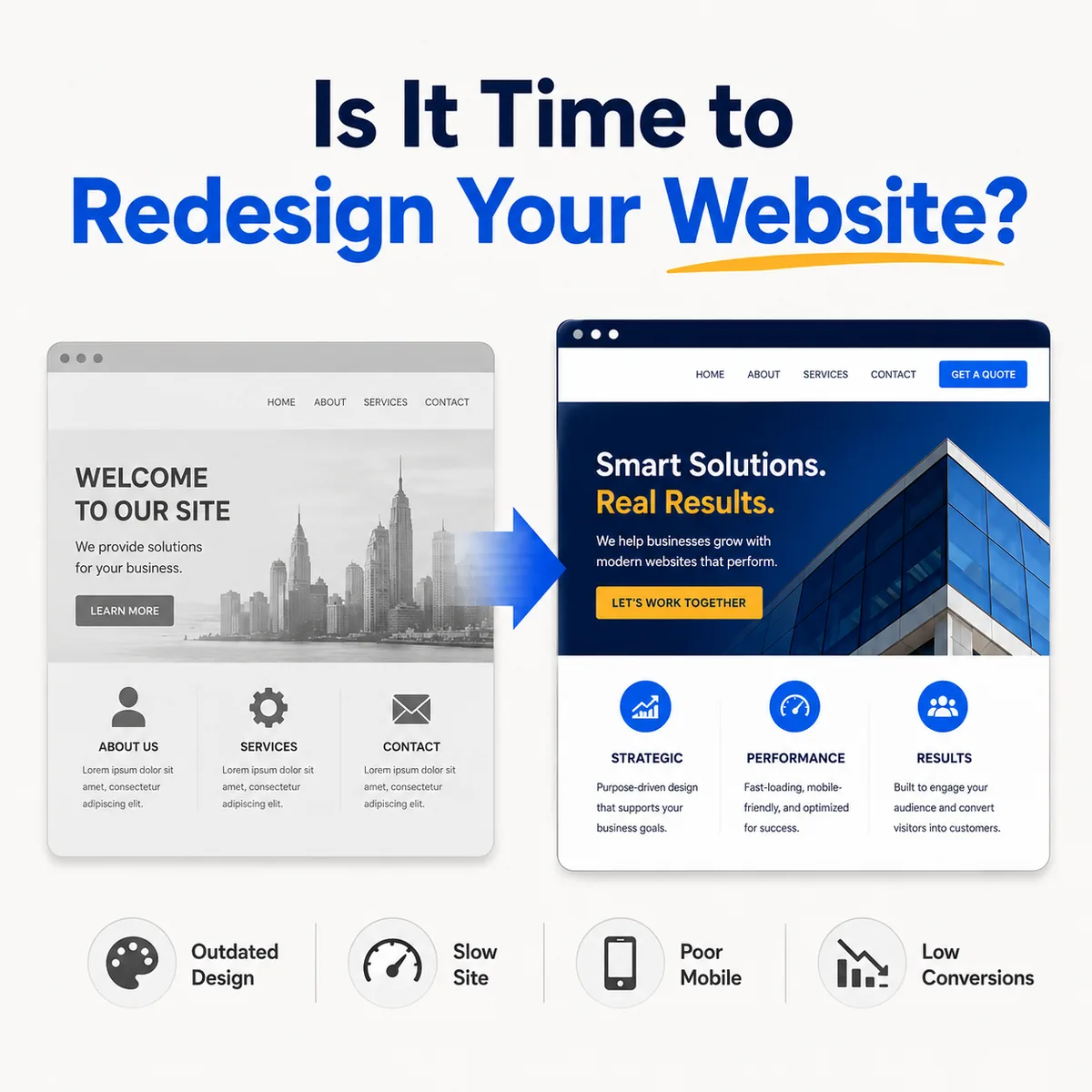
Is it time to redesign your website? ten signs to watch
A website does not need to be redesigned simply because it is several years old. Some older websites continue to serve their organizations effectively. Some newer websites already contain serious strategic, technical, or usability problems.
The better question is not, “How old is our website?” It is: Is the website still supporting our organization’s goals and the needs of the people who use it?
Here are ten signs that it may be time for a redesign.
1. Your Organization Has Changed
Businesses and organizations evolve. You may have added services, entered new markets, changed your audience, hired staff, expanded your geographic reach, or refined your positioning.
If the website describes the organization you were three years ago instead of the organization you are today, it is no longer doing its job. A redesign provides an opportunity to reassess the entire website rather than continuing to attach new information to an outdated structure.
2. Visitors Cannot Quickly Understand What You Do
Ask someone who is unfamiliar with your organization to review the homepage for several seconds. Then ask: What does this organization do? Who does it serve? What should a visitor do next?
Confused or inconsistent answers indicate a messaging problem. A redesign should address this before visual styling begins, because design cannot compensate for an unclear core message.
3. The Website Is Difficult to Use on a Phone
A website may technically shrink to fit a mobile screen without providing a good mobile experience. Common problems include:
- Text that is too small
- Buttons placed too close together
- Oversized headings
- Awkward navigation
- Forms that are difficult to complete
- Images that load slowly
- Important content hidden on mobile
- Popups that cover the page
Google uses the mobile version of website content for indexing and recommends responsive web design for new websites. Mobile usability is not an optional enhancement. It is part of the primary website experience.
4. The Design No Longer Reflects Your Brand
Perhaps your logo, colors, messaging, or market position has changed while the website remained the same. When the website looks substantially different from your proposals, social media, printed materials, or physical location, visitors receive an inconsistent impression. A redesign can create a connected visual and verbal system across the entire organization.
5. Updating the Website Is Unnecessarily Difficult
Routine changes should not require a major technical project. Your website should make it reasonably practical to update staff biographies, add events, publish articles, revise services, replace photographs, add portfolio projects, and change contact information.
If every update requires a workaround, or no one knows how the website works, the underlying platform and content structure may need attention.
6. The Website Produces Few Inquiries
Low conversion does not always mean the website needs a complete redesign. The problem could involve traffic quality, pricing, competition, or follow-up. However, the website deserves closer evaluation when visitors arrive but rarely complete a form, call the organization, register, donate, request an estimate, or schedule an appointment.
Review the message, calls to action, forms, navigation, page speed, and trust signals. Website optimization should focus on actions that support real organizational goals rather than cosmetic changes alone.
7. Important Information Is Hard to Find
Over time, websites often accumulate pages without a clear organizational plan. The result may include confusing menus, duplicate information, outdated pages, multiple pages addressing the same topic, important information buried several clicks deep, and navigation labels that only make sense internally.
This is an information-architecture problem. Before redesigning the pages, determine what information visitors need, how topics relate to one another, and what should receive the greatest prominence. When people cannot find answers or encounter essential messages, they are less likely to act.
8. The Site Is Slow or Technically Unstable
Warning signs include pages that take too long to appear, images loading at full resolution, layout elements shifting while the page loads, forms that intermittently fail, broken links, plugin conflicts, security warnings, and frequent error messages.
Google’s Core Web Vitals evaluate loading performance, responsiveness, and visual stability. Technical performance affects both usability and the overall impression of professionalism.
9. The Website Is Not Accessible
Accessibility helps people with disabilities use and understand your website. Common problems include insufficient color contrast, missing alternative text, unlabeled form fields, poor heading structure, links that cannot be used with a keyboard, instructions communicated through color alone, and videos without captions.
Accessibility should be incorporated into the design and development process rather than treated as a final checklist item. W3C guidance recommends clear headings, descriptive labels, media alternatives, strong contrast, and orientation cues. Many accessibility improvements also make websites easier for everyone to use.
10. You Are Embarrassed to Send People to It
This is subjective, but it matters. If you avoid including your website in proposals, hesitate before giving someone the address, or regularly apologize for it, the website is working against your organization.
A website is often reviewed before a prospective customer calls, visits, attends an event, or responds to a referral. It should reinforce the confidence created by that referral, not weaken it.
Refresh or Complete Redesign?
Not every problem requires rebuilding the entire website. A focused refresh may be sufficient when the structure is fundamentally sound, the platform remains appropriate, the website performs well, and only selected content and visual elements need improvement.
A comprehensive redesign is more appropriate when the navigation needs to be reorganized, the messaging has substantially changed, the platform creates limitations, mobile usability is poor, the content requires major restructuring, the visual identity no longer fits, or performance and accessibility problems are widespread.
Protect What Is Already Working
A redesign should not erase useful content or search visibility without a plan. Before making changes, identify pages receiving search traffic, pages producing inquiries, frequently visited resources, existing page addresses, external links pointing to the website, important search terms, and current analytics benchmarks.
When pages move or URLs change, appropriate redirects should be created. Deleting pages, changing addresses, and removing metadata without a migration plan can damage established search visibility.
The goal is not simply to launch something newer. The goal is to create something clearer, more useful, and better aligned with your organization.
Recognize a few of these signs on your own site? I can help you work out whether it needs a focused refresh or a full rebuild.
Start a Project