
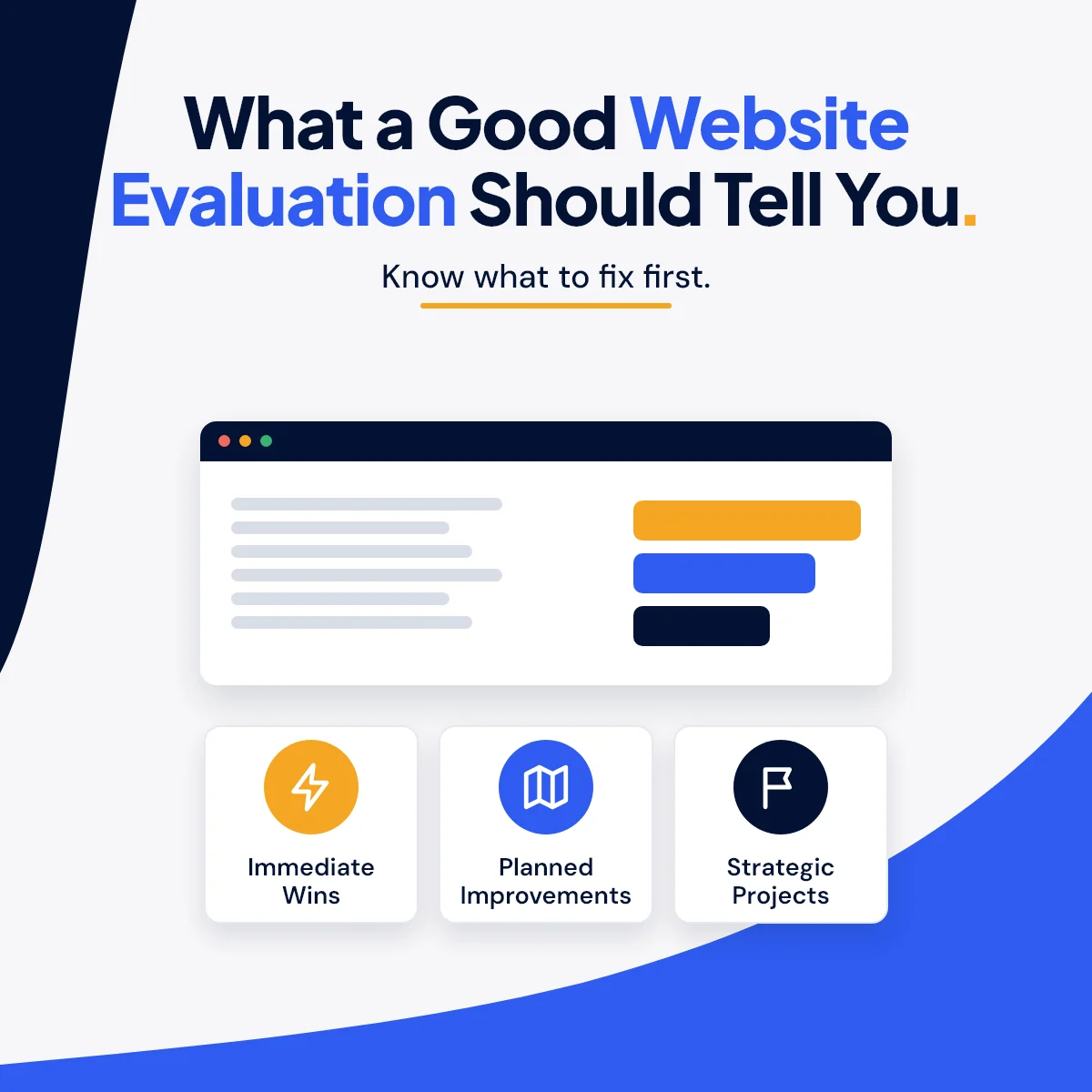
What a Good Website Evaluation Should Tell You
Most business owners can feel when their website isn't pulling its weight before they can say why. The phone rings less than it used to. The site has grown one page at a time and doesn't feel like one piece anymore. Someone ran a free scanner on it, and now there's a score of 62 and a list of 140 warnings sitting in an inbox.
So now what?
A useful website evaluation answers a short list of plain questions. Here is what those questions are, what a good evaluation checks to answer them, and how to tell a real evaluation from a raw export.
Start With the Question, Not the Score
Before anyone opens a testing tool, the evaluation should be built around the questions you actually care about:
- Is my website helping people trust me enough to call, book, join, or buy?
- What is getting in their way?
- What should I fix first?
- Do I need a new website, or a handful of targeted fixes?
A score on its own answers none of those. A list of 140 warnings answers them even less, because it treats a missing image description on a 2019 blog post the same as a broken contact form. The job of an evaluation is to sort the noise from the three things that matter this month.
Speed: Lab Numbers vs. Real Visitors
Google's PageSpeed Insights reports two kinds of data, and a good evaluation explains which one you are looking at.
Lab data is, in Google's words, "a simulated load of a page on a single device and fixed set of network conditions." It is useful for finding problems. Field data comes from real Chrome users visiting your site over time. Google notes the two can differ, so a page can look fine in one and slow in the other.
What you need from an evaluation is not the number. It is the cause. "Reduce image sizes" is not a finding. "The photo at the top of your homepage is several times larger than it needs to be" is a finding you can hand to someone and get fixed this week.
Mobile: Open the Real Pages on a Phone-Sized Screen
Plenty of your visitors are on a phone, and "it shrinks to fit" is not the same as "it works." A good evaluation opens your actual pages at phone size and looks for the problems that frustrate people: sideways scrolling, text jammed against the edge of the screen, buttons stacked on top of each other, and a phone number you can't tap to call.
I wrote more about this in Mobile-Friendly Is Not Enough.
Search: Can Google Find and Understand You?
This part covers the basics that decide whether your pages show up at all. Can search engines reach every important page? Are there broken links? Does each service have its own page with a clear title? Does your Google Business Profile match what your website says about your hours, phone, and location?
One warning while you're here: be careful with anyone who promises you the top spot. Google says plainly that "No one can guarantee a #1 ranking on Google." Google also says that a small local business can probably do much of the work itself. A good evaluation gives you that work as a clear list, so you, your own developer, or I can take care of it.
Accessibility: Real Barriers, Honestly Labeled
Can someone with low vision read your text against its background? Does every form field have a label? Can a visitor move through the site with a keyboard? Do your meaningful images have descriptions for people using screen readers?
Automated tools catch some of this, but not all of it. The W3C, the group that writes the web's accessibility standards, puts it this way: "Web accessibility evaluation tools can not determine accessibility, they can only assist in doing so." A person needs to look.
An honest evaluation also tells you what it is not. A screening for common barriers is not a formal ADA or WCAG compliance audit, and nobody should sell it to you as one.
Message: Does the Site Tell People What to Do Next?
This is the part no scanner checks, and it is often where the biggest wins are hiding.
Can a first-time visitor tell within a few seconds what you do, who you do it for, and where? Does every important page end with a clear next step? Are your reviews somewhere a visitor will actually see them? Is the contact form short enough that people finish it?
A site can pass every technical test and still lose customers because it never tells them what to do.
Reputation: What People See Before They Ever Visit
Many people meet your business on Google before they reach your website. Your star rating, your recent reviews, and whether anyone has replied to them all shape the first impression. A deeper evaluation also looks at how you compare with one or more competitors, because "good" only means something next to the businesses your customers are also considering.
The Part That Matters Most: A Roadmap
Findings are only useful when they are sorted. The way I sort them:
- Immediate wins (0–30 days): high-impact fixes that don't require a rebuild.
- Planned improvements (30–60 days): real upgrades that build on what already works.
- Strategic projects (60–90+ days): bigger work that deserves planning, not rushing.
Every finding should name the exact page and the exact fix. And a good report also tells you what's working, so nobody "improves" the parts of your site that are already doing their job.
Redesign or Repair?
Not every website needs to be rebuilt. Sometimes the right answer is a full redesign. Often it is better messaging, cleaner navigation, faster pages, and a handful of targeted fixes. An evaluation should tell you which one you need before you spend the money. If you are already leaning toward a rebuild, these ten signs are a good gut check.
What to Ask Before You Pay for an Evaluation
- Will a person review my site, or only software?
- Will every finding name the page it's on?
- Will the findings be put in order of what to do first?
- Will it tell me what's already working?
- Do I own the report, and can I give it to my own developer?
- Is any fix work quoted separately, with no obligation?
- Is the accessibility section described honestly?
If the answer to any of these is no, keep looking.
How I Handle It
My Website Evaluation comes in three levels. The Website Health Check ($495) reviews up to 20 key pages and is typically delivered in 5–7 business days. The Website Performance, Customer Experience, and Growth Evaluation ($995) covers your entire site, adds real Analytics and Search Console data, and is typically delivered in 10–14 business days. The Digital Presence and Reputation Deep Dive is custom quoted and adds your reputation across Google, Facebook, Yelp, BBB, and industry review sites, plus a social media audit.
Every level includes a plain-language Executive Summary, the full report, the 30/60/90-day roadmap, and a findings call. The report is yours to keep and use however you like.
Not sure whether your site needs a few fixes or a fresh start? I can take a look.
Sources
- Google, "About PageSpeed Insights" (lab data vs. field data): https://developers.google.com/speed/docs/insights/v5/about
- Google Search Central, "Do you need an SEO?" (no #1 ranking guarantee; small businesses can do much of the work): https://developers.google.com/search/docs/fundamentals/do-i-need-seo
- W3C Web Accessibility Initiative, "Selecting Web Accessibility Evaluation Tools" (tools assist but can't determine accessibility): https://www.w3.org/WAI/test-evaluate/tools/selecting/
Not sure how your site holds up on a phone, or for someone using a screen reader? I can take a look.
Start a Project